Signing up for an IPTV service without testing it first is like buying a car without a test drive. You might get lucky — or you might end up with something that buffers every five minutes, has half the channels missing, and looks like it was built in 2010.
A free IPTV trial exists to solve that problem. It gives you full access to a provider's service — live channels, on-demand content, EPG, everything — for a limited window so you can see for yourself whether it actually delivers. No payment, no commitment, no risk.
The trouble is that not all free trials are created equal. Some are genuine. Some are designed to trap you into a subscription you did not want. And some are so limited they do not actually tell you anything useful about the service.
This guide walks you through everything: why you should always trial before you buy, what to look for, what red flags to watch out for, how our own trial works, and exactly what to test during those crucial 24 hours.
Why You Should Always Try Before You Buy
The IPTV market is enormous — and largely unregulated. There are hundreds of providers, all claiming to offer the best channels, the best quality, and the best reliability. Some of them are brilliant. Some of them are genuinely terrible. And you cannot tell the difference from a website alone.
Here is the reality: no amount of reading reviews, watching YouTube videos, or browsing Reddit threads will tell you how a specific IPTV service performs on your internet connection, in your area, on your device. The only way to know for certain is to test it yourself.
A free trial lets you answer the questions that actually matter:
- Does it work on my specific device — Firestick, smart TV, phone, tablet?
- Does it buffer during peak hours when everyone in the neighbourhood is online?
- Are my favourite channels actually there and working?
- Is the picture quality genuinely HD or 4K, or is it just labelled that way?
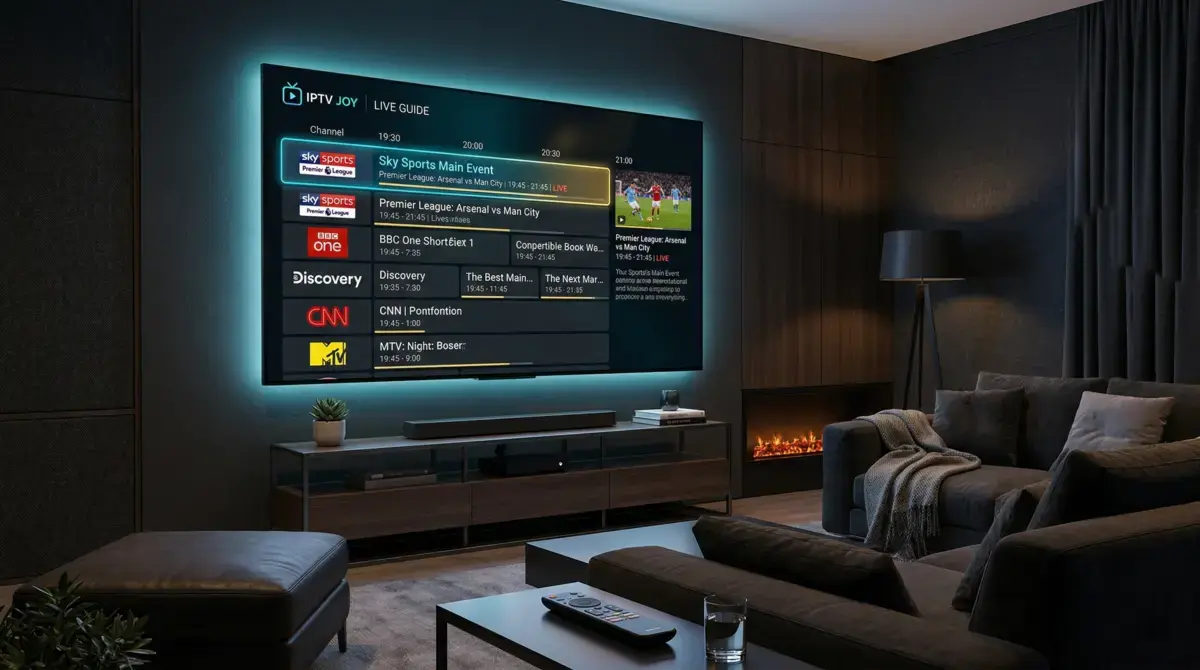
- Is the EPG (electronic programme guide) accurate and easy to navigate?
- How quickly do channels load when I switch between them?
If a provider will not let you test before paying, ask yourself why. A service that is confident in its quality has nothing to hide — and nothing to lose by letting you try it for free.
What to Look for in a Free IPTV Trial
Not every trial is worth your time. Before you activate one, check that it ticks these boxes:
Channel Count and Variety
A good IPTV provider should offer a minimum of 20,000 live channels covering UK, US, European, Asian, African, and Middle Eastern content. If the trial only gives you access to a limited subset of channels, it is not a real trial — it is a demo designed to upsell you.
Streaming Quality
Look for HD and 4K streams as standard, not as a premium add-on. During your trial, check that popular channels — especially sports — actually stream in the quality advertised. A service that claims 4K but delivers a blurry 480p picture during the football is not worth your money.
Electronic Programme Guide (EPG)
The EPG is what shows you what is on now and what is coming up — like the TV guide on Sky or Freeview. A good EPG makes the difference between a usable service and a frustrating one. Check that it loads quickly, is accurate, and covers the channels you actually watch.
Device Compatibility
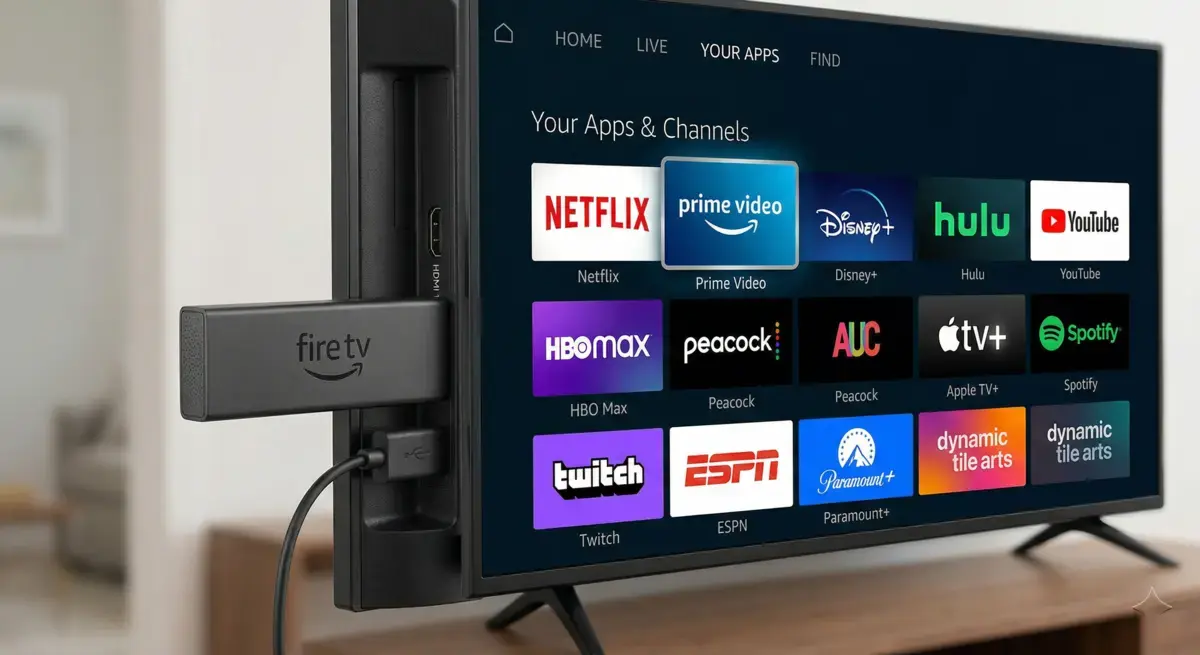
Your trial should work on the device you plan to use long-term. That means Amazon Firestick, Android TV boxes, smart TVs (Samsung, LG, Sony), smartphones, tablets, laptops, and MAG boxes. If a provider only supports one or two platforms, that is a limitation you will regret later.
Minimal or No Buffering
This is the big one. Stream stability during peak hours — evenings, weekends, Premier League matchdays — is what separates a premium provider from a budget one. Test during the busiest times, not at 2pm on a Tuesday when everything looks perfect.
Red Flags to Avoid
The IPTV industry has its share of bad actors. Watch out for these warning signs when evaluating a free trial:
Trials That Require a Credit Card
If a provider asks for your card details to start a "free" trial, they are banking on you forgetting to cancel. A genuine free trial should not need payment information at all. If they are confident in their service, they should not need to trap you into a subscription.
Trials That Auto-Renew Into a Paid Plan
This is the most common trick. You sign up for a free trial, forget about it, and suddenly there is a charge on your statement. Read the terms carefully. If there is any mention of automatic billing after the trial period, walk away.
Trials Shorter Than 24 Hours
A one-hour or six-hour trial is not enough time to properly test an IPTV service. You need at least 24 hours to check performance during both off-peak and peak hours. Ideally, you want to test during a Saturday evening when half the country is streaming the football — that is when weak providers crumble.
Limited Channel Access During the Trial
Some providers give you a reduced channel list during the trial and only unlock the full catalogue after you pay. This defeats the purpose entirely. You should be testing the exact same service you will be paying for.
No Support During the Trial Period
If you cannot reach support during your trial, do not expect it to get better after you pay. A provider that offers live chat or WhatsApp support during the trial is far more likely to help you when something goes wrong down the line.
How IPTVJoy's Free Trial Works
We built our free trial to be as straightforward as possible — because we know that if you actually test the service, you will want to keep it. Here is how it works:
- Duration: 24 hours of full access — enough time to test during both off-peak and peak viewing hours
- No credit card required: We do not ask for payment details. No auto-renewals, no hidden charges, no surprise billing
- Full channel access: All 45,000+ live channels and 80,000+ VOD titles — the exact same service our paid subscribers get
- Activation via WhatsApp: Message us on WhatsApp and we will activate your trial within minutes. No lengthy sign-up forms, no email verification loops
- Works on all devices: Firestick, Android TV, smart TVs, phones, tablets, MAG boxes, laptops — test on whatever you plan to use
The process is simple: visit our free trial page, send us a WhatsApp message, and we will have you set up within minutes. No hoops to jump through.
What to Test During Your 24-Hour Trial
You have got 24 hours. Make them count. Here is a checklist of everything you should test:
1. Check Your Favourite Channels
Start with the channels you watch most. If you are a football fan, check Sky Sports, TNT Sports, and the Premier League channels. If you watch a lot of films, browse the movie channels and the on-demand library. If you watch international content, find the channels for your country and check the quality.
2. Test 4K and HD Quality
Find a 4K channel and check that it actually looks like 4K — sharp, vivid, no compression artefacts. Then check HD channels. Compare the quality to what you are used to with your current provider. If the picture quality is noticeably better, that is a good sign.
3. Stream During Peak Hours
This is critical. Test the service between 7pm and 11pm when internet traffic is at its highest. Test during a live football match if possible. This is when cheap providers fall apart — overloaded servers, constant buffering, frozen screens. A good provider should be rock-solid even at the busiest times.
4. Try Different Devices
If you plan to watch on multiple devices, test each one during the trial. Check the setup guides for your specific device and make sure everything works smoothly — installation, login, channel loading, and playback.
5. Test the EPG and Navigation
Open the electronic programme guide and browse through it. Is it responsive? Does it show accurate programme information? Can you easily find and switch between channels? A clunky EPG will frustrate you every single day, so this is worth checking properly.
6. Check VOD and Catch-Up
Browse the on-demand library. Search for recent films, popular series, and anything you have been wanting to watch. Check that content plays without buffering and that the library is regularly updated with new titles.
7. Contact Support
Send a message to support during your trial — even if you do not have a problem. See how quickly they respond and how helpful they are. Support quality is one of the biggest differences between a good provider and a terrible one, and you want to know what you are getting before you pay.
Frequently Asked Questions
Do I need to give my credit card details for a free IPTV trial?
Not with a reputable provider. At IPTVJoy, our free trial requires no payment details whatsoever. If a provider asks for your card to start a free trial, that is a red flag — they are relying on you forgetting to cancel.
How long should a free IPTV trial last?
A minimum of 24 hours. Anything shorter does not give you enough time to test during both off-peak and peak hours. You need to see how the service performs when demand is highest — typically Saturday evenings and during live sport events.
Can I use a free IPTV trial on my Amazon Firestick?
Yes. Most quality IPTV providers support Firestick, and IPTVJoy's trial works on all major devices including Firestick, Android TV, smart TVs, phones, and tablets. Check our setup guides for step-by-step instructions for your specific device.
What happens after the 24-hour trial ends?
Your access simply stops. There is no automatic charge, no subscription that kicks in, no follow-up billing. If you enjoyed the trial and want to continue, you can choose a plan from our pricing page and subscribe at your own pace.
Is it worth trying a free IPTV trial if I already have Sky or Virgin Media?
Absolutely. A free trial costs you nothing and takes minutes to set up. Many of our customers switched from Sky or Virgin after seeing the difference — more channels, better sports coverage, 4K quality, and a fraction of the monthly cost. You have nothing to lose by testing it, and the potential savings are significant. Check our FAQ for more details on what is included.
Ready to Try IPTV for Free?
The best way to know whether IPTV is right for you is to experience it yourself. No reviews, no comparison charts, no YouTube videos — just you, your TV, and 24 hours of unrestricted access to 45,000+ live channels and 80,000+ on-demand titles in up to 4K quality.
Start your free 24-hour trial — no credit card, no auto-renewal, no catch. Message us on WhatsApp and we will have you watching within minutes.
Already know you want to subscribe? Have a look at our pricing plans — starting from just a few pounds a month for the complete package.
Share This Article
Comments (4)
Took the free trial on a Saturday afternoon and tested it right through the evening Premier League matches. Zero buffering, every channel I tried loaded in under two seconds. Signed up for the 12-month plan the next morning. Genuinely could not believe the difference compared to the dodgy IPTV I was using before.
Quick question — can I test the trial on more than one device at the same time? I want to check it works on both the Firestick in the living room and the smart TV upstairs before I commit to a subscription.
Hi Laura! The free trial gives you one connection to test with, so you would need to try each device one at a time. But once you subscribe, our plans support multiple connections — so you can watch on the Firestick and the smart TV simultaneously. Have a look at our pricing page for the full breakdown.
I have been burned by two different providers that advertised a free trial but then charged my card after 24 hours because I forgot to cancel. The fact that IPTVJoy does not ask for payment details at all is a massive plus. Tried it, loved it, then chose to pay on my own terms. That is how it should be done.